3D Printer Camera: What to Watch and When to Stop a Print
A camera lets you catch spaghetti and a loose first layer from another room. It is useful monitoring, not permission to leave a hot printer unattended.
By Nate Brooks
3Dprintpicks is reader-supported. As an Amazon Associate we earn from qualifying purchases. Learn more.
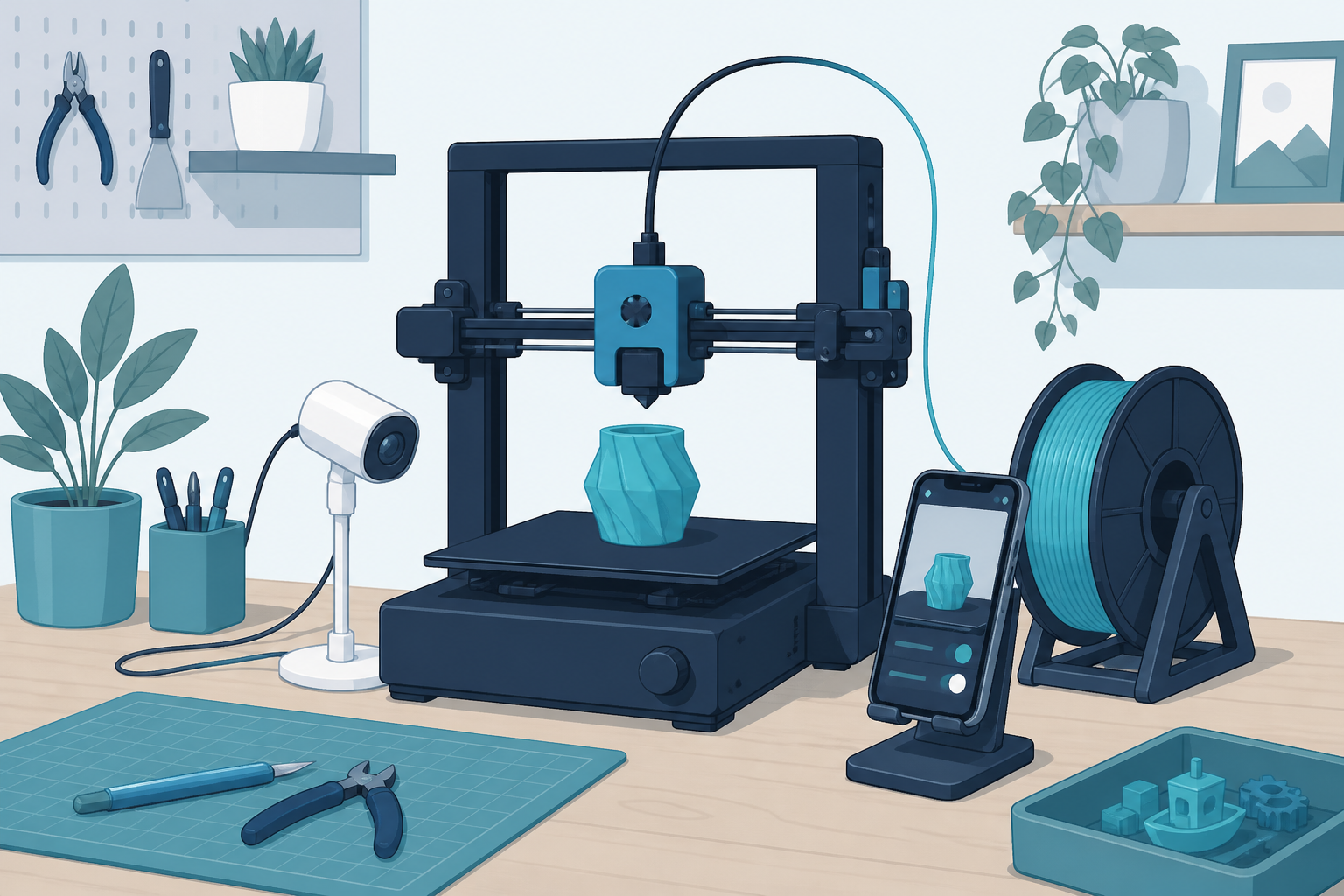
The short answer: A 3D printer camera is worth having when you run long jobs, but only if it shows the nozzle and first layer clearly. The Bambu Lab P1S Combo is a simple route because its monitoring camera is part of the printer rather than another project on the desk.
Our picks
This reader-supported guide uses Amazon links. As an Amazon Associate we earn from qualifying purchases. Learn more.
A 3D printer camera is not about making time-lapses for social media. Its useful job is catching a print that has already gone wrong: a first layer that peels up, supports that snap, or a nozzle making a plastic nest in midair. A clear view can save a spool and a few hours.
This guide is based on the live US Amazon listing, maker documentation, and common home-printer monitoring practice. The listed printer has an active US product page, a rating above four stars, and a substantial owner review history.
Put the camera where it can see failure
Aim the camera at the nozzle and the front half of the build plate. A beautiful wide shot of the whole desk is not helpful if the print edge lifts just outside the frame. You should be able to tell whether filament is laying down smoothly and whether the part is still attached.
Avoid mounting a camera so close that it blocks the toolhead or catches heat from the hotend. If you use a separate camera, keep its cable away from belts and moving axes. Check the view after the printer homes and after it moves to the far corners.
The first five layers matter most. Watch the skirt, brim, and early infill before walking away. A camera is much better at revealing a bad first layer than at diagnosing a subtle extrusion problem after eight hours.
A built-in camera is the easy answer
The Bambu Lab P1S Combo includes a camera as part of its connected workflow. That is convenient because the view, app, and printer controls belong together. You do not have to print a custom mount, power a separate webcam, or wonder whether a firmware update broke the feed.
It is a full printer purchase, not an accessory recommendation for someone who already owns an Ender or Prusa-style machine. If you are choosing a new enclosed printer and monitoring matters, though, it is a clean option. Read best 3D printer for the broader buying decision.
Know what a camera cannot do
A camera cannot make unattended printing risk-free. It cannot smell hot plastic, clear a jam, or put out a fire. Keep your printer on a stable surface, follow the manufacturer's guidance, and use an appropriate smoke alarm nearby. If the room is not suitable for a long hot print, a phone view does not change that.
It also cannot fix loose belts or a dirty plate. If the view shows the same failure twice, stop watching and solve the cause. Clean the bed, check first-layer setup, and work through a small calibration print.
A quick monitoring routine
Before a long job, clean the plate and check that the spool can turn freely. Start the print while you are nearby. Look at the first layer in person, then confirm the camera view is useful. Check again after supports begin and after the first major height change.
If a print becomes a loose ball of filament, stop it. Do not hope it reconnects. For clogs, worn nozzles, and routine checks, keep a focused 3D printer maintenance kit near the machine.
Bottom line
A 3D printer camera is a practical way to spot failure early, especially on long prints. Point it at the nozzle and first layer, use it to decide when to intervene, and keep normal printer safety habits in place. The Bambu Lab P1S Combo is a useful camera-equipped choice if you are buying a new home printer, not just adding a view to an old one.
Frequently Asked Questions
Do I need a camera for my 3D printer?
No. It becomes useful when prints run long enough that you cannot stay in the room.
Can a camera stop a failed print?
Some printer apps can pause a job, but you should confirm that feature before relying on it. A camera mostly helps you decide to intervene.
Where should I point a 3D printer camera?
Aim at the nozzle and front third of the build plate. You need to see the first layer and whether a part comes loose.
Is camera monitoring safe for overnight printing?
No. Monitoring helps, but it does not replace a suitable location, a smoke detector, and following your printer maker's safety guidance.