3D Printer Lighting: See the First Layer and the Nozzle Clearly
A small, steady light makes it much easier to catch a bad first layer. Buy a kit that fits your printer instead of routing loose wires near hot parts.
By Nate Brooks
3Dprintpicks is reader-supported. As an Amazon Associate we earn from qualifying purchases. Learn more.
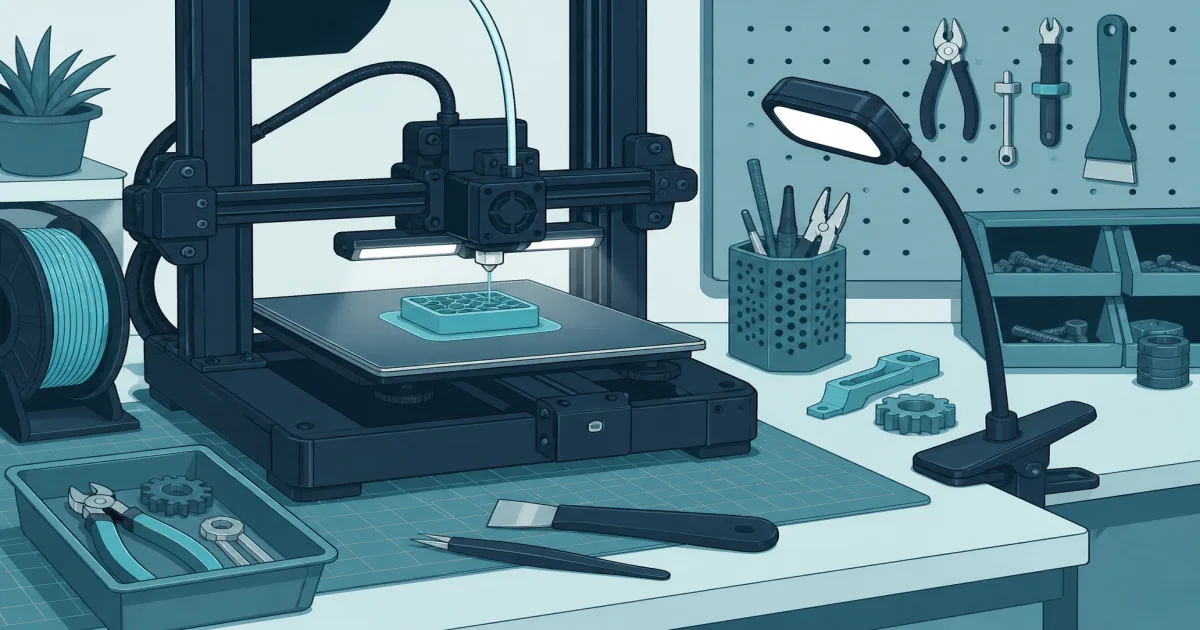
The short answer: Add lighting when you cannot clearly see the nozzle and first layer from your normal standing position. The Creality Official Ender 3 LED Light Bar Kit is a tidy choice for its listed Ender models, but do not force it onto another printer.
Our picks
3D printer lighting is a small upgrade with a useful job: show you whether plastic is actually landing where it should. In a dim room, a skirt can look fine until you lean in and notice the nozzle is dragging a loose strand across the plate. A light makes that kind of problem easier to catch before it becomes a spool-sized ball of plastic.
The recommendation is based on the live US Amazon listing and owner reviews. It showed a rating above four stars when checked. Match the kit to the printer model and its documented power connection. Electrical compatibility matters more than whether a light bar looks close enough in a listing photo.
Light the first layer, not the whole room
The first layer is where lighting earns its space. You want to see the nozzle, the front half of the bed, and the line where fresh filament meets the plate. A bright light aimed at the wall or ceiling does not help much. A light mounted above the frame can make the nozzle shadow less severe and let you spot gaps, lifted corners, and blobs early.
Keep the light out of the toolhead’s travel path. Move the printer by hand only when powered down, or use the controls to home and travel through the full range after mounting. Check the cable at every corner. A cable that looks fine at the center can snag when the bed moves to the far end.
Pick a kit made for your frame
The Creality Official Ender 3 LED Light Bar Kit is intended for listed Ender 3 variants. That model-specific fit is the reason to choose it. You get a bar, mounts, and a power approach designed around the machine rather than adhesive strip lights hanging next to belts.
It is not a universal recommendation. Bambu, Prusa, enclosed CoreXY, and older Creality models can use different power, mounting, and clearance arrangements. Read the product description and the printer manual. If the listed fit does not match the label on your machine, skip it.
Use light with a camera, not instead of attention
A printer camera benefits from steady light. It can show you a loose first layer or a detached support more clearly, especially when the room is dark. See our 3D printer camera guide for placement and limits.
Neither a camera nor a light makes a hot machine safe to leave unattended. Stay nearby for the first layer, keep the printer on a stable clear surface, and follow the maker’s safety guidance. Better visibility helps you make a decision. It does not make the decision for you.
Check the light before a real job
After mounting a light, home the printer and move it across the full bed while watching the cable and bracket. Then print a small first-layer square. You are checking for two things: the light stays clear of the moving parts, and the bright spot actually helps you see the filament line. If the bar vibrates, blocks the spool path, or makes the camera glare, adjust it before starting a long print.
Use the printer’s intended voltage and connector. Do not splice a random USB cable into a 24V printer circuit, and do not hide a loose wire under the frame. Lighting is useful because it is simple. Keep the installation simple too.
Bottom line
3D printer lighting is worth adding when shadows keep you from checking the nozzle and first layer. Choose a model-specific kit, keep its wiring clear of heat and motion, then test every axis before a real print. The Creality Official Ender 3 LED Light Bar Kit is a straightforward option for its listed Ender models.
Frequently Asked Questions
Do I need a light on my 3D printer?
No, but a clear light makes first-layer checks and nozzle cleanup easier.
Can I use an LED strip near a hotend?
Only if it is mounted away from moving and hot parts and wired safely. A model-specific kit is simpler.
Will lighting help a camera?
Yes. A camera sees a first-layer failure more clearly when the bed is evenly lit.
Where should a printer light point?
Aim it at the nozzle and front half of the build plate without casting the toolhead’s shadow.
Can I power a light from any printer port?
No. Use only a documented port and voltage for your printer.
Does a light make unattended printing safe?
No. It improves visibility but does not replace normal printer safety habits.