Best 3D Printer for Beginners: Start Small, Print Something Useful
Beginners need auto leveling, a forgiving first layer, and a desk footprint that does not take over the room. Our starter pick is the Bambu Lab A1 Mini.
By Nate Brooks
3Dprintpicks is reader-supported. As an Amazon Associate we earn from qualifying purchases. Learn more.
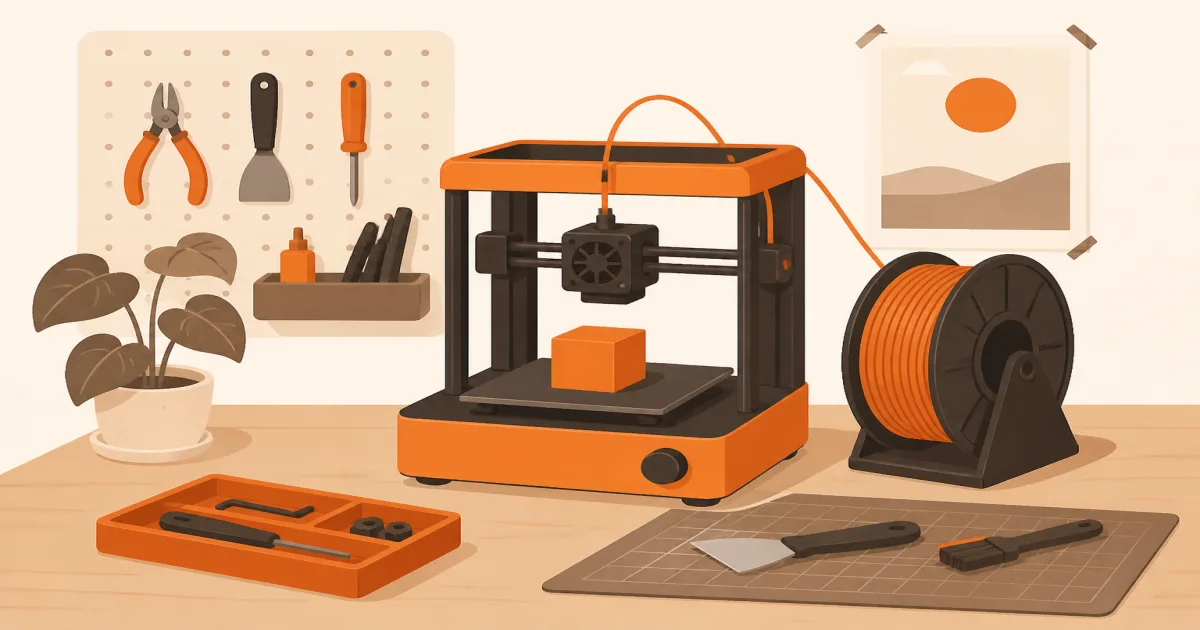
The short answer: Start with the Bambu Lab A1 Mini if you want auto calibration, a small desk footprint, and a first print that does not require forum archaeology. Pick the Creality Ender-3 V3 SE if you need a larger bed and a lower price, and you are okay learning a more DIY machine.
Our picks
New makers often buy the loudest “prosumer” kit, then blame themselves when the first layer fails. The fix is smaller: choose a forgiving printer, print something useful, and upgrade filament before you upgrade chrome.
This is a buying and setup guide based on specs and buyer patterns, not a six-month lab tournament. For a wider field of machines, see the main best 3D printer guide. Spool advice lives in best 3D printer filament.
Why the A1 Mini is our beginner hero
The Bambu Lab A1 Mini hits the beginner checklist without eating the whole desk. Full-auto calibration handles Z-offset, bed leveling, and vibration compensation so you are not chasing paper feel for two nights. The 180 mm cube is smaller than full-size beds, but it is big enough for organizers, mounts, and most first projects.
It is quiet enough for many apartments, and the software path is clearer than older DIY kits. You still need dry PLA and a flat table. Think of the Mini as the machine half of a two-part kit: printer plus one good spool.
If you already know you want multi-color figurines next month, look at an A1 Combo class machine in the main guide. For week one, single-color success matters more than rainbow flex.
When the Ender-3 V3 SE is the better starter
The Creality Ender-3 V3 SE is the budget alternative when the Mini’s bed feels too small or the price gap funds months of filament. CR Touch auto leveling and auto Z-offset remove the worst of classic Ender pain. The Sprite direct extruder feeds PLA and PETG more cleanly than many bowden starters.
You will touch more settings yourself. Community profiles help, but the machine expects you to read a menu. That is a fair trade if you like tinkering. It is a bad trade if you wanted print-from-phone simplicity on night one.
What beginners should optimize for
Optimize for repeatability, not cosplay factory gear. You want:
- Auto leveling that actually sticks a first layer
- Controls you understand without a Discord thread
- A footprint that fits your real desk
- Parts and nozzles you can replace later
- A filament path that does not tangle every other print
Skip machines that need 40 minutes of warm-up before you have ever printed a cube. Skip ultra-cheap no-name kits with thin reviews. Skip the most expensive enclosed combo until you know you love the hobby.
A simple first-week workflow
Use this loop before you buy more gadgets:
- Load PLA, run the printer’s leveling routine, and wipe the plate.
- Print a 20 mm cube. Note nozzle temp, bed temp, and whether corners lift.
- Print a small hook, cable clip, or drawer divider you will actually use.
- Only then try a decorative model from a shared library.
- Write three notes: what stuck, what stringed, what smelled odd.
That notebook beats another accessory order. Keep isopropyl alcohol and a plastic scraper nearby. Metal blades on PEI sheets are how beginners ruin beds.
Filament mistakes that look like printer failures
Wet filament prints like a bad machine. Soft stringing, weak layers, and random under-extrusion often trace back to a damp spool, not a broken extruder. Buy vacuum-sealed PLA from a brand with real reviews, then store it dry.
Do not start with flexible TPU or abrasive-filled “pro” filament. Learn PLA first. When parts need more toughness, step to PETG with a heated bed and slower cooling.
Desk, noise, and shared living
Put the printer on a solid surface. Hollow particle board amplifies every travel move. Leave space behind the machine for cables and a spool path that does not rub a wall.
PLA is usually apartment-friendly. Still, do not print overnight in a tiny bedroom if motor noise wakes you. A living-room corner with a door is often better than a nightstand.
When to step up from a beginner machine
Move up when you keep hitting the Mini’s volume limit, or when you need ABS/ASA and an enclosure. Do not upgrade because one print failed. Fix filament dryness, plate cleanliness, and profile temps first.
If you outgrow the Mini into color work, the A1 Combo lane in the main guide is the natural next step. If you outgrow the Ender into enclosed engineering filaments, look at a P1S-class machine instead of buying a third open-frame kit.
Common beginner traps to skip
Buying three nozzles, a dual-gear extruder kit, and a “pro” enclosure before a single successful print is how people quit. Spend that money on filament and a better plate wipe routine first.
Another trap is chasing perfect Benchy photos. A slightly ugly but useful cable clip teaches more than a trophy boat. Print for your apartment, not for Reddit.
Finally, do not assume every failed print means you bought the wrong brand. Check the plate, the spool seal date, and whether the model needed supports you skipped. Most week-one failures are process, not hardware.
Bottom line
The best 3D printer for beginners is the one you will actually finish a first useful part on. For most people that is the Bambu Lab A1 Mini. Choose the Ender-3 V3 SE when bed size and price matter more than the smoothest guided setup.
Frequently Asked Questions
What is the best 3D printer for beginners?
A compact machine with auto leveling, clear software, and a bed big enough for useful parts. Our hero pick is the Bambu Lab A1 Mini. Skip giant kits that need hours of tramming before your first cube.
Should beginners buy an enclosed printer first?
Not usually. Start with PLA on an open-frame machine. Move to enclosed hardware when you need ABS, ASA, or long warm-chamber jobs.
Do I need multi-color (AMS) on day one?
Only if color is the reason you want the printer. Learn solid single-color prints first, then add AMS lite or AMS when the basics feel boring.
How much filament should a beginner buy?
One or two 1 kg PLA spools from a trusted brand. Do not stock eight specialty materials before you can finish a calibration cube.
What should I print in the first week?
A calibration cube, a small functional bracket or hook, then one fun model. Useful beats decorative for building confidence.