3D Printer Filament Runout Sensor: Stop Long Prints Before the Spool Ends
A runout sensor can save a long print when the spool ends, but only if the printer firmware and mounting point support it. Check both before ordering.
By Nate Brooks
3Dprintpicks is reader-supported. As an Amazon Associate we earn from qualifying purchases. Learn more.
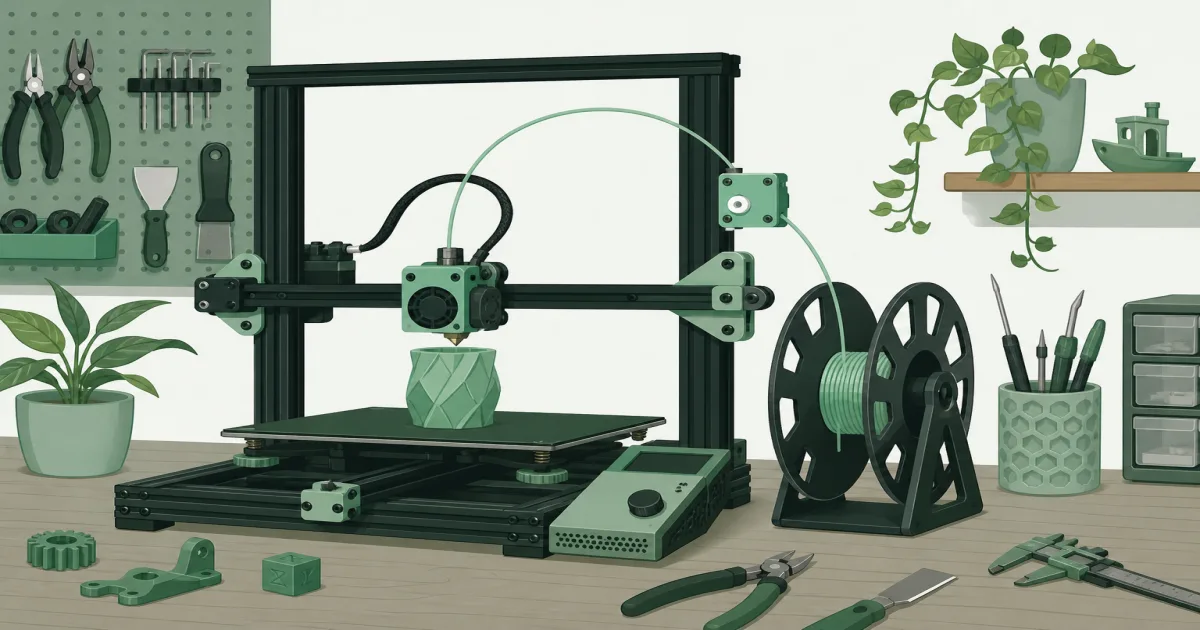
The short answer: A 3D printer filament runout sensor is worthwhile if your machine supports it and you regularly print past one spool. The Creality Official Ender 3 V3 SE Filament Runout Sensor is a sensible fit for the listed V3 SE and V3 KE models, not a universal part to buy on hope.
Our picks
A runout sensor sits in the filament path and watches for material. When the filament ends or breaks, a compatible printer pauses so you can load a new spool and resume. That is useful on a large, slow print. It is also much less dramatic than returning to a printer that spent two hours moving around with no plastic coming out.
This pick is research-based from its live US Amazon listing, the stated model fit, and owner review evidence. It showed a 4.6-star rating with 182 reviews when checked. Confirm the exact printer model, mainboard, and firmware before you order. A cheap sensor with the wrong plug is just a small black object for your parts drawer.
Start with the printer, not the accessory
Look in the printer manual or its settings menu for filament-runout support. Some machines include the feature but need an optional sensor. Others have a sensor port but need firmware configuration. Older printers may need a board upgrade, a custom bracket, and more comfort with wiring than most beginners want.
The Creality sensor in this guide is specifically for the Ender 3 V3 SE and V3 KE. It is not a promise of fit for an older Ender 3, a Bambu printer, or a random machine with a similar-looking frame. Product names are not compatibility charts. Check the manufacturer’s parts page and the connector before spending money.
If you are shopping for a new printer rather than upgrading one, see our best 3D printer guide. A built-in sensor and a well-supported pause-and-resume process are more useful than an add-on that needs an afternoon of troubleshooting.
What a runout sensor can catch
The obvious use is an empty spool. The sensor notices that the tail has passed through, sends a signal, and lets the printer pause. That works best when the spool is mounted so the last loop can feed freely. A tangled spool can still create a mess before the sensor sees anything.
Some smarter sensors also watch whether filament is moving, which can catch a jam or stripped filament in certain setups. Treat that as extra protection, not magic. A nozzle can partially clog while the filament still moves, and a sensor cannot see whether the first layer has peeled off the plate.
Watch the first layer in person and keep a camera view for long jobs. Our 3D printer camera guide explains why remote monitoring helps but does not make unattended printing safe.
Install it without making a new feeding problem
The cleanest location is after the spool and before the extruder. Filament should enter and leave without scraping a sharp edge or taking a tight turn. A sensor mounted too far away can make the tube pull as the carriage moves. One mounted too close to the spool can let the last loop snag before the sensor has a chance to pause.
Use the supplied bracket only if it fits the intended machine. Do not zip-tie the sensor to a moving cable bundle and call it finished. Run a small test print, then cut or remove the filament in the safe way described by the printer maker. Confirm that the screen pauses, retains temperature as expected, and resumes cleanly.
Keep a little filament margin anyway
Sensors are backup. Before a long job, weigh the spool if you are close to empty, compare that number with the slicer estimate, and leave room for a skirt, purge line, and normal estimate error. A one-kilogram spool does not contain one kilogram of usable material after the spool itself and the last few wraps enter the picture.
Dry, freely moving filament matters too. A sensor cannot fix moisture, a cracked spool edge, or a filament path that rubs against the frame. If open spools spend weeks in a humid room, use our filament storage guide before blaming the electronics.
Bottom line
A 3D printer filament runout sensor is a practical insurance policy for compatible machines, especially when prints are long or use most of a spool. The Creality Official Ender 3 V3 SE Filament Runout Sensor is the right kind of upgrade when you own one of its listed Creality models. Check fit first, test the pause sequence on a small print, and still begin every large job with enough filament on the spool.
Frequently Asked Questions
What does a 3D printer filament runout sensor do?
It tells a compatible printer that filament is no longer moving through the sensor, so the printer can pause instead of continuing to print air.
Will a runout sensor fix a nozzle clog?
No. A basic sensor only knows whether filament is present. A smart motion sensor can catch some feed problems, but it cannot diagnose every clog.
Can I add a runout sensor to any printer?
No. The mainboard needs a supported input, the firmware needs the feature enabled, and you need a clean place to mount the sensor.
Where should a filament sensor sit?
Put it after the spool and before the extruder, with a smooth path that does not add a sharp bend.
Does a runout sensor save every failed print?
No. It cannot save a print that already detached, warped, or clogged. It only helps when material stops reaching the printer.
Should I still check the spool before a long print?
Yes. A sensor is backup, not a reason to start a twelve-hour job with a nearly empty spool.