Best 3D Printer Under $500: What Your Budget Can Actually Buy
A good 3D printer under $500 should be ready to make useful parts, not just cheap enough to get through checkout. In this range, auto calibration and a dependable slicer matter more than a long feature list.
By Alex Turner
3Dprintpicks is reader-supported. As an Amazon Associate we earn from qualifying purchases. Learn more.
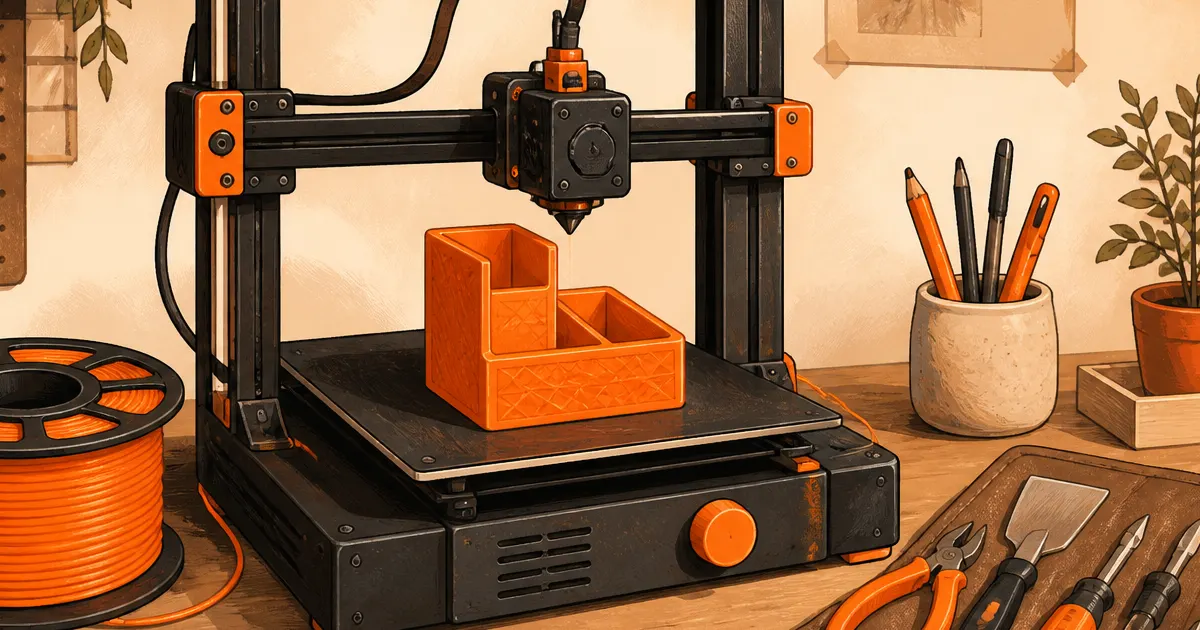
The short answer: The Bambu Lab A1 Combo is the best 3D printer under $500 when its live price fits your budget and you want a full-size, low-fuss machine. Pick the A1 Mini Combo when a smaller bed is enough.
Our picks
A good 3D printer under $500 should be ready to make useful parts, not just cheap enough to get through checkout. In this range, auto calibration and a dependable slicer matter more than a long feature list. These recommendations are research-based from live US Amazon listings, manufacturer specifications, and useful buyer-review evidence. We have not run a long-term lab test on every model, so use the manual, the current listing, and your own room measurements as the final check.
Start with the parts you actually want to make
Think about the first five things you want to print. Small organizers, labels, toys, and replacement clips do not need the same build volume as a costume helmet or a large storage bin. Open a few models in a slicer and look at their dimensions before treating a bigger printer as automatically better.
Material matters too. PLA is the easy place to start because it prints at modest temperatures and has little odor. PETG is tougher and handles heat better, but it benefits from dry storage and a clean first layer. ABS and ASA are more demanding and make more sense when the room, ventilation, and printer suit them.
Why the main pick earns the spot
The Bambu Lab A1 Combo is the sensible choice when its mix of build space, automatic calibration, and supported software matches your projects. Its live US Amazon page was available and above the four-star rating floor when checked. More importantly, the listing has enough owner feedback to reveal ordinary tradeoffs rather than a handful of perfect scores.
Automatic calibration does not mean you never need to clean a bed or check the first layer. It means you spend less time on the basic setup that makes older hobby printers frustrating. Keep the filament path clear, use a known-good profile, and start with a simple model.
When the alternative is the better buy
The Bambu Lab A1 Mini Combo makes more sense when its size, enclosure, or price better fits your room. Buy it for a practical reason, not because its specification list is longer. A smaller machine can be easier to place, while an enclosed model can be a better fit for drafts and warmer materials.
Measure the system before ordering. The printer body is only part of the footprint. Leave room for the spool, power cable, access to the screen, and a clear path to remove a finished part. A multicolor setup also needs space for a filament changer and several spools.
Put the printer on a stable surface
A wobbly folding table can show up as ringing or shifted layers. Use a stable desk or bench and make sure no cable, spool holder, or filament tube can snag on a moving axis. Keep curtains, loose paper, pets, and children away from the hotend and heated bed.
Noise is part of ownership. Modern home printers are quieter than many older models, but fans and fast movement are still noticeable. Put the printer where the sound will not ruin sleep, calls, or a movie. Do not start a new model overnight until you trust the machine and profile.
Make the first print boring
Use the official slicer profile for the first job. A small box, cable clip, or calibration cube tells you more than a complicated model with moving parts. Watch the first layer in person. If it does not stick cleanly, stop and solve that problem before starting a long job.
Keep one good spool of PLA dry and labeled while you learn. If a print starts stringing, popping, or feeding inconsistently, inspect the filament path and spool before changing a dozen settings. Our filament storage guide explains the basics.
Buy a small maintenance kit too
A brush, cutters, tweezers, and compatible spare nozzles are enough for most home users. You do not need a giant mystery kit. Keep the few tools near the printer so a loose strand or partial clog does not turn into a hunt through the garage.
Clean gently and follow the printer manual around hot parts. A cleaning needle can clear soft residue, but it cannot repair a worn nozzle or fix damp filament. For a more complete list, see our 3D printer maintenance kit guide.
Bottom line
The Bambu Lab A1 Combo is the best 3D printer under $500 when its live price fits your budget and you want a full-size, low-fuss machine. Pick the A1 Mini Combo when a smaller bed is enough. Measure the desk, price the printer with a first spool of PLA, and choose the machine that fits the projects you will really make. A printer that works comfortably in your home is a much better buy than a faster-looking machine that becomes a headache after the first week.
Frequently Asked Questions
How do I choose the right size?
Open a few models you plan to make in a slicer and compare their dimensions with the listed build volume.
Should a beginner buy extra filament?
Yes. Start with one good PLA spool so you can learn the machine without guessing whether the material is the problem.
Can I leave a new printer alone on its first job?
No. Watch the first layer and stay nearby until you know the printer, material, and profile work together.