3D Printer Spool Holder: Stop Filament Drag Before It Ruins Layers
A 3D printer spool holder with bearings lets the roll turn instead of fighting the extruder. Use a desk stand for any printer, or a frame mount when you want the spool above an Ender-style rail.
By Alex Turner
3Dprintpicks is reader-supported. As an Amazon Associate we earn from qualifying purchases. Learn more.
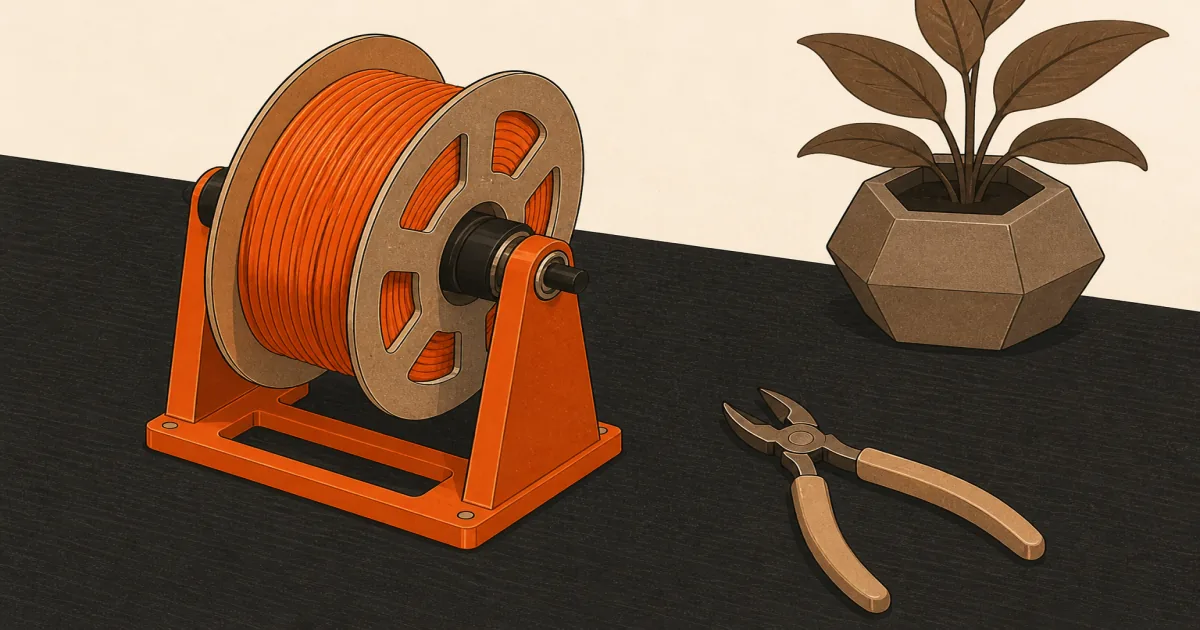
The short answer: Use the Weewooday Bearing Filament Spool Holder (paid link) when you want a desk stand that works with almost any printer. Choose the Creality Rotatable Filament Spool Holder (paid link) when your machine has aluminum profile rails and you want the spool mounted on the frame.
Our picks
A 3D printer spool holder sounds boring until a half-finished print shows under-extrusion because the roll refused to turn. Stock plastic hooks and sticky rods add drag. The extruder pulls harder. Layers thin. People blame the nozzle. Often the spool was the brake.
This page compares a desk bearing stand versus a frame-mount holder. For keeping unused rolls dry, use filament storage instead. A holder is for feeding while you print, not for months of open-air storage.
What a good spool holder actually does
It lets the spool rotate freely so filament peels off without yanking the extruder. Bearings help. A level axis helps. A clean path to the print head helps.
It does not dry filament, fix a clogged nozzle, or replace a runout sensor. Pair mechanical feed with filament dryer habits when PETG or nylon has been sitting open.
Desk stand vs frame mount
If your desk is already crowded, a frame mount wins. If you swap printers or use a temporary setup, a desk stand wins.
Desk pick: Weewooday bearing stand
Weewooday Bearing Filament Spool Holder (paid link) is the simple bench solution. Two bearing supports hold a common 1 kg spool without screws into a frame. Put it beside the printer, align the feed path, and stop fighting a sticky stock rod.
Give it a flat surface. If one side sits higher, the spool walks and the filament rubs the flange. Stiff bearings after shipping usually free up after a few turns. A drop of light machine oil helps if they stay sticky, but do not soak plastic parts.
This is the pick when you print on different machines or do not want to drill into a frame.
Frame pick: Creality rotatable holder
Creality Rotatable Filament Spool Holder (paid link) mounts to aluminum profile on Ender 3-class and similar printers. Built-in bearings keep the roll turning above the machine so the desk stays clear for scrapers and spare nozzles.
Install it square. A cocked bracket binds the spool the same way a bad desk stand does. Use the included hardware on the rail your manual supports. If your printer is not a profile frame, skip this pick and stay on the desk stand.
Setup tips that prevent skip layers
- Align the spool so filament leaves toward the extruder without a sharp side pull
- Keep the path short enough that it does not snag the frame
- Clip the free end when you pause so the roll does not unravel into a knot
- Do not store damp spools on an open holder for weeks
If layers still thin randomly, check extruder tension and nozzle health before buying a third holder. Mechanical drag is one cause among several.
Drag vs moisture vs nozzle: pick the right fix
Thin layers can come from three different desks. A sticky spool makes the extruder skip under load. Wet filament strings and pops. A clogged nozzle starves the path even when the spool spins freely.
Spin the spool by hand with the printer off. If it fights you, fix the holder first. If it spins freely and prints still look dry and stringy, dry the roll. If extrusion is thin on a free-spinning dry spool, clear or swap the nozzle.
A runout sensor helps you catch empty rolls. It does not fix a binding holder. See filament runout sensor after the mechanical path is honest.
Holder placement that keeps tension even
Put the desk stand so the filament rises or travels straight toward the extruder without rubbing a sharp frame edge. Sideways yanking adds the same drag you just removed from the spool axis.
On a frame mount, keep the roll centered above the path your stock setup used. Extreme overhangs look tidy in photos and still bind on tall spools.
If you pause a long print, clip the free end into the spool hole. A loose coil that falls behind the printer will knot overnight and ruin the next layer.
When to skip a new holder
Skip if the stock mount already spins freely and prints look consistent. Skip if you run an AMS or enclosed feeder that already manages the spool. Skip if the real problem is wet filament stringing. Dry first.
Also skip giant multi-spool racks on day one. One reliable roll position beats a warehouse of dusty open spools. Buy filament from best 3D printer filament after the feed path is honest.
Open holders are for active printing. Between jobs, bag the roll or move it into sealed storage so humidity does not undo a good feed path.
Bottom line
A 3D printer spool holder with bearings removes a common source of feed drag. Choose the Weewooday Bearing Filament Spool Holder (paid link) for a universal desk stand, or the Creality Rotatable Filament Spool Holder (paid link) when you can mount to an aluminum frame. Keep unused rolls sealed, and fix a sticky path before you rewrite every extrusion multiplier.
Frequently Asked Questions
Do I need a spool holder with bearings?
If the stock rod squeaks, sticks, or makes the extruder skip, yes. Bearings let the spool turn with less drag so layers stay consistent.
Can I print my own spool holder instead?
You can, once the printer already prints well. A stuck printed holder is a circular problem. Buy a bearing stand first, then print upgrades later.
Desk stand or frame mount?
Desk stands fit any machine and need bench space. Frame mounts free the desk but only fit printers with matching aluminum rails.
Will a better holder fix moisture issues?
No. Dry filament still needs sealed storage between jobs. A holder only solves mechanical drag while printing. See filament storage.
Where should the spool sit relative to the extruder?
Keep a smooth path with gentle bends. Sharp redirects and tangled overhangs add resistance the extruder will fight.
Do AMS and enclosed printers need a separate holder?
Often no. Those systems already manage spools inside. This guide is for open FDM desks with a single external roll.
How do I stop the spool from walking off the holder?
Use a holder sized for 1 kg hubs, keep the axis level, and avoid yanking filament sideways. Add end caps or clips if your stand includes them.