Best 3D Printer for Schools: Three Classroom-Ready Picks
A school 3D printer needs predictable first layers, simple maintenance, and a workflow one adult can supervise. These three picks fit different classroom budgets without pretending that any printer runs itself.
By Alex Turner
3Dprintpicks is reader-supported. As an Amazon Associate we earn from qualifying purchases. Learn more.
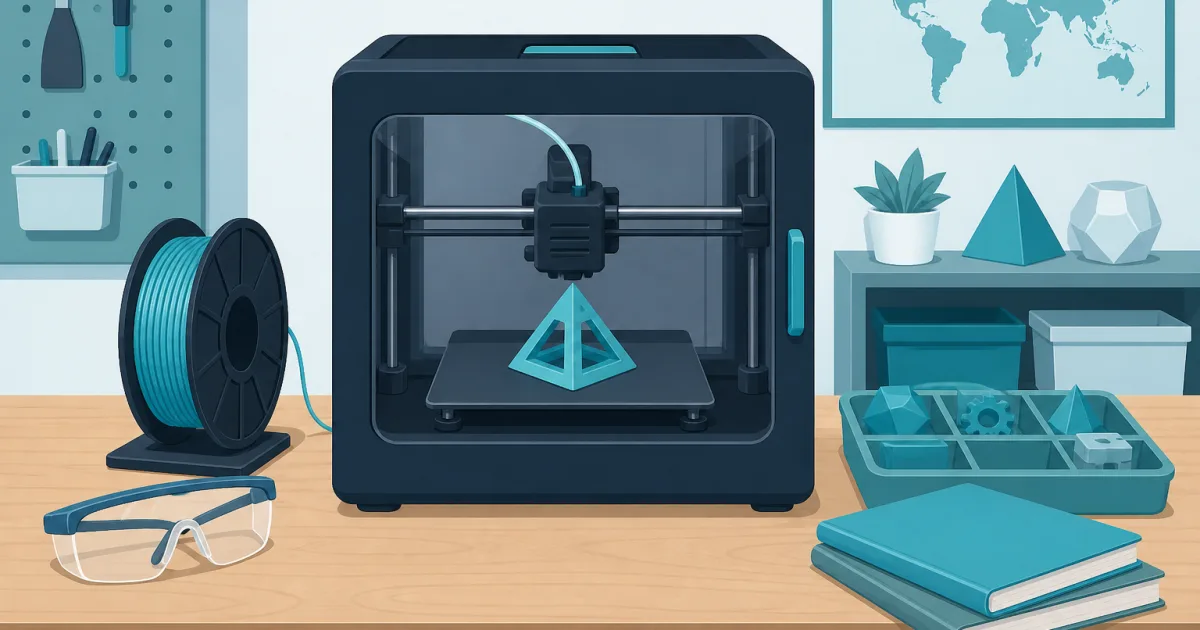
The short answer: The FLASHFORGE Adventurer 5M Pro is the best 3D printer for most schools because its enclosure, automatic leveling, removable plate, and quick-change nozzle reduce common classroom friction. Choose the Dremel DigiLab 3D45-EDU when lesson plans, training, and an education bundle justify the higher price. Pick the Bambu Lab A1 mini for a small, closely supervised club that will print mostly PLA.
Our picks
A classroom printer is not just a machine with a school purchase order. It becomes a queue, a maintenance job, a safety procedure, and a lesson-planning tool. The best model is the one a teacher or lab manager can reset between groups without losing the afternoon to bed leveling.
These recommendations are research-based. We compared current US Amazon listings, manufacturer specifications, education features, and buyer feedback. We have not run a long-term lab test on every machine. All three live listings met a four-star rating floor when checked, had enough owner feedback to expose real setup and printing tradeoffs, and loaded at their current Amazon.com product pages.
Compare the three school 3D printers
Do not rank these by maximum speed alone. A printer that starts ten minutes faster but needs an hour of troubleshooting is slower in a real class. Repeatable profiles, a clean first layer, and easy part removal matter more.
Best overall: FLASHFORGE Adventurer 5M Pro
The FLASHFORGE Adventurer 5M Pro is the strongest all-around classroom choice here. Its 220 mm cube is large enough for mechanical models, project enclosures, architectural parts, and batches of smaller student work. The enclosed CoreXY layout keeps the bed from sweeping forward into the room and puts a physical barrier around the hotend and moving gantry.
Automatic leveling removes one recurring setup task. The flexible PEI plate helps staff remove parts without sending students toward a sharp scraper, while the quick-change nozzle makes a clog less likely to cancel the rest of the week's queue. Those are practical wins when several classes share one machine.
The 280 C direct extruder supports more than PLA, but that does not mean every supported material belongs in a classroom. Start with PLA and a tested profile. Treat the built-in HEPA and activated-carbon filtration as one layer in the room plan, not a substitute for ventilation or school policy.
The live US Amazon listing showed a 4.0-star average and more than 1,000 review links when checked. Owner feedback covers first prints, Wi-Fi and app setup, nozzle swaps, plate adhesion, noise, firmware, and the difference between advertised speed and dependable profiles. The recurring tradeoff is that the quick-change nozzle is convenient but costs more than a generic brass replacement.
Buy the Adventurer 5M Pro if you want a current enclosed printer that can serve a supervised maker space without a large education-platform premium. Skip it if your district requires a bundled curriculum, formal training, or vendor-managed classroom deployment.
Best education bundle: Dremel DigiLab 3D45-EDU
The Dremel DigiLab 3D45-EDU makes sense when the purchase has to include more than hardware. The EDU package includes 30 standards-aligned lesson plans, self-paced professional-development material, four spools of filament, glue sticks, and an extra build plate. That can save a teacher from assembling a program around a consumer printer after it arrives.
Its enclosed design, built-in camera, guided setup, heated plate, and broad device support are classroom-friendly. Chromebook and iPad compatibility can matter more than a small difference in print speed when students use managed devices. The 255 x 155 x 170 mm build area is wide but shallow, so check planned models in a slicer before ordering.
The live US listing was rated 4.4 stars and exposed dozens of review links when checked. Detailed owner feedback discusses classroom use, Wi-Fi setup, print consistency, filament handling, build-plate adhesion, support, and replacement parts. That depth is more useful than a new listing with a perfect score from three buyers.
The clear drawback is price. A school can buy multiple capable hobby-market printers for the cost of one education bundle. The Dremel earns its place only when the lesson plans, training, supplies, and established workflow will actually be used.
Choose the 3D45-EDU when staff time and a ready-made teaching package matter more than raw hardware value. Skip it when an experienced maker-space lead already has curriculum, slicer profiles, and a maintenance process.
Best for a small club: Bambu Lab A1 mini
The Bambu Lab A1 mini is the compact option. Its 180 mm cube handles nameplates, gears, small robots, geometry models, game pieces, and many prototype parts. Full-auto calibration and active flow compensation reduce the number of adjustments between loading a file and watching the first layer.
It is also quieter and easier to place than many larger open-frame printers. That makes it appealing for an after-school club, library corner, or supervised STEM table where two or three students work with an adult. The software ecosystem and large model library can help a new group produce useful first projects quickly.
The open frame is the important limitation. Students can reach the moving bed and hot components, so the printer needs a controlled location and close supervision. A separate barrier may be appropriate, but do not place an open printer in an enclosure that the manufacturer does not approve. Heat can damage electronics designed to run in open air.
The current US listing met the 4.0-star floor and showed more than 100 review links when checked. Owners discuss fast setup, automatic calibration, print quality, software, Wi-Fi, camera limitations, filament loading, and the small bed. The 180 mm volume is a real constraint, not a footnote.
Buy the A1 mini for supervised PLA work when desk space is tight and the queue is modest. Skip it for an unsupervised room, large engineering models, or a school that requires an enclosed machine.
Build the workflow before buying a fleet
Start with one printer and one responsible adult. Decide who approves files, slices models, starts jobs, removes prints, and logs failures. A sign-up sheet without file review can fill a week with oversized models that do not support the learning objective.
Set simple limits. Cap print time, material use, and model dimensions for ordinary student jobs. Reserve long prints for projects that justify the queue. A tray of small nameplates can teach iteration and measurement more efficiently than one decorative model that occupies the printer for two days.
Use a known PLA and a locked profile at first. Changing printer, nozzle, filament brand, layer height, and speed at the same time makes failures hard to diagnose. Our best 3D printer filament guide explains why a predictable material is the best starting point.
Keep a maintenance log beside the machine. Record nozzle changes, bed cleaning, failed jobs, firmware updates, and unusual sounds. The log turns "it stopped working" into a timeline another staff member can follow.
Plan the room, not just the desk
Put the printer on a rigid surface with room for the spool, door, screen, cables, and plate removal. Keep paper, curtains, backpacks, and loose sleeves away from the machine. Control who can reach it while it is heating or moving.
Review electrical load, ventilation, fire response, and supervision with the people responsible for the room. A camera and automatic shutdown features can help, but neither makes an unfamiliar print safe to leave overnight. Our 3D printer fire safety guide provides a practical setup checklist.
Watch the first layer in person. Stop a job when filament is gathering around the nozzle, the part is lifting, or the toolhead is moving somewhere it should not. The cheapest failed print is the one stopped early.
Match projects to the build volume
Open representative models in the intended slicer before purchasing. Add supports and orient each model as it would really print. A 180 mm cube sounds generous until a robotics chassis needs room for a brim or a bridge model must stay in one piece.
Larger is not automatically better. A smaller build volume discourages multi-day jobs and can improve queue discipline. For large class projects, split the design into labeled modules that teams can print, inspect, and assemble.
If students are new to the process, our best 3D printer for beginners guide covers the same first-print issues they will meet in a club or classroom.
Budget for ownership
The printer price is only the first line. Add filament, spare plates, compatible nozzles, cleaning supplies, storage, and staff time. Education bundles cost more partly because they package curriculum and onboarding. Consumer machines cost less partly because the buyer supplies that system.
Keep a small set of approved spares rather than a drawer of mystery parts. One correct nozzle, one clean plate, and a dry spool of PLA are more useful than a large accessory kit that does not match the machine.
Do not promise a fleet until one printer has completed a term. Track successful jobs, failed jobs, queue time, material use, and adult intervention. Those numbers tell you whether to add a second identical machine, buy a different class of printer, or improve the process first.
Bottom line
The FLASHFORGE Adventurer 5M Pro is the best 3D printer for most supervised school maker spaces because it balances enclosure, automation, useful build volume, and maintainability. The Dremel DigiLab 3D45-EDU is the better institutional package when lesson plans, training, and included supplies justify the premium. The Bambu Lab A1 mini is a strong compact choice for a closely supervised club that will print smaller PLA projects.
Whichever model you choose, buy the workflow with the printer. Assign an adult owner, approve files, watch first layers, log maintenance, and prove demand before adding more machines.
Frequently Asked Questions
What is the best 3D printer for a school?
The FLASHFORGE Adventurer 5M Pro is the best overall fit for many supervised school maker spaces because it combines an enclosure, automatic leveling, a removable plate, and quick nozzle changes. Schools that need prepared curriculum and training should compare the Dremel 3D45-EDU bundle.
Should a classroom 3D printer be enclosed?
An enclosure is preferable in a shared room because it puts a barrier around moving axes and hot components. It does not make a printer unattended or risk-free. An adult still needs to control access, approve files, and monitor the first layer.
Which filament should schools use first?
Start with reputable PLA. It prints at lower temperatures than many engineering materials, has a forgiving setup, and is suitable for prototypes, models, and classroom demonstrations. Follow the printer and filament manufacturers' ventilation guidance.
How many 3D printers does a school need?
One reliable printer is enough to prove the workflow. Track queue length, failed jobs, and staff time for a term before buying a fleet. Several small printers can process more student jobs, but they also multiply maintenance and supervision.